Short dramas dubbed in English: where to find official dubs, and what localizers need
Where to watch official English dubs and subtitles of short dramas, what this app saves, and why publishing a translation or dub needs a licence.
Written with AI assistance and reviewed by the ShortDrama Downloader team before publication. How we make guides
In short
- Short answer: Look where the rights holder releases the drama: PineDrama, TikTok’s own short-drama app, lists professional dubbing including English, and TikTok’s Drama Center series use its multi-language translation.
- What the app saves: only the subtitle tracks and the sound TikTok provides for each drama. It has no translation, no dubbing or voice-over and no choice of audio language.
- Publishing needs a licence: a translated, subtitled or dubbed version of someone else’s drama needs the rights holder’s licence, and files saved with this app are never a source for it. This is general information, not legal advice.
Looking for a short drama dubbed in English, or wishing a drama had subtitles in your language? The official versions are in the apps where rights holders release them. This guide covers where to look, what our app can and can’t save, and what fan translators and localizers need before they publish anything.
Applies to: TikTok ShortDrama Downloader and PineDrama Downloader (the same app) 1.5.0 on Windows 10 and 11 (64-bit). Tested on Windows 11 Pro 25H2, 30 September 2026.
Where to find official dubbed and subtitled versions
- PineDrama: TikTok’s own short-drama app. Its App Store listing says it offers “high-quality subtitles and professional dubbing (including English, Spanish, and more)” (checked 30 September 2026). Get it from the App Store or Google Play in the countries where it is available.
- TikTok: according to TikTok for Business (updated September 2026), drama series published through TikTok Drama Center use TikTok’s multi-language translation to reach viewers in other countries. If the picker shows no track in your language, check the drama in the TikTok app itself.
Watching there also means the version you see is the one the rights holder chose to release. Our app can’t add a dub or a subtitle language that TikTok doesn’t serve.
What the app does and does not do
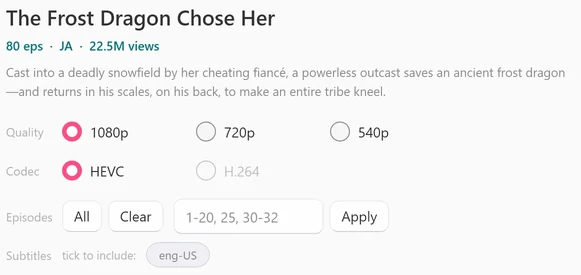
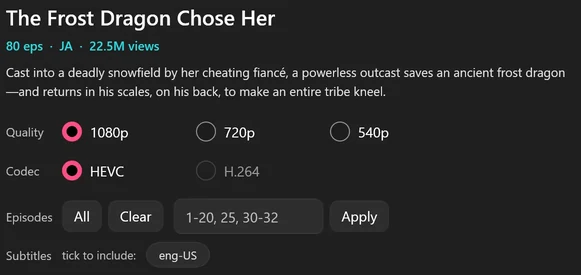
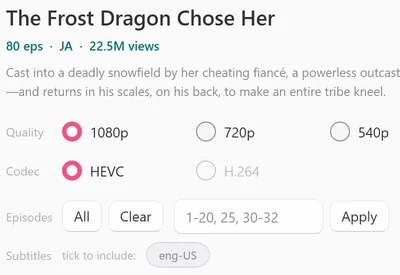
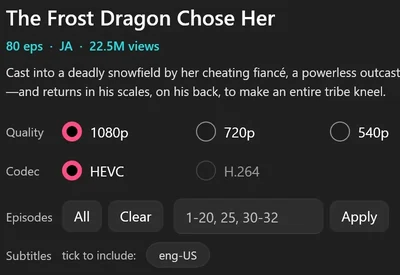
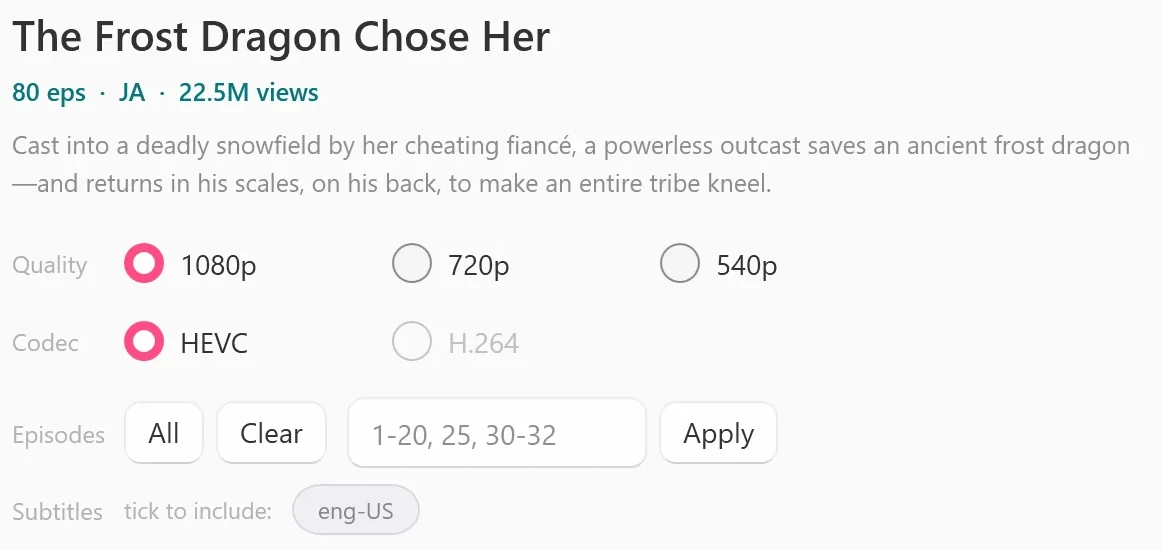
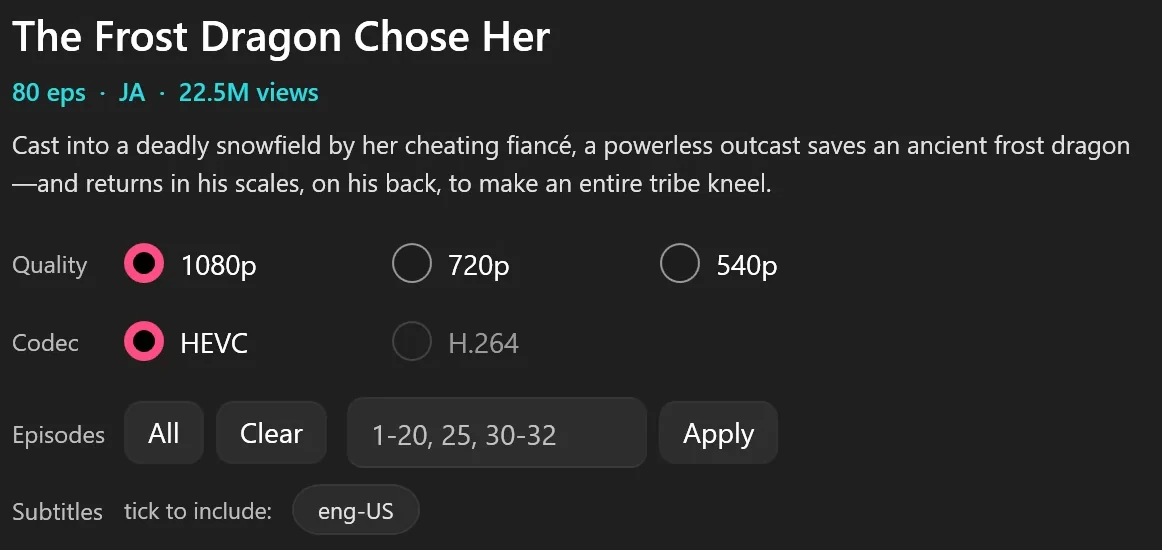
- Subtitles: it saves only the subtitle tracks TikTok provides for a drama, and only when you tick them in the episode picker. The steps are in How to save short-drama subtitles (.vtt) and play them.
- Sound: each episode gets the sound TikTok serves for it. There is no audio-language choice, no dubbed version to pick, and no dubbing, voice-over or text-to-speech.
- Language: it has no translation feature and does not make subtitles from the audio.
- Language code: the short code in the picker, such as JA or EN, is the language code TikTok gives the episode text, shown for information only. It is not a setting.
 Open the full-size pictureOpen the full-size picture
For your own viewing
Read the subtitles TikTok provides
Tick the language in the episode picker, then switch the track on in VLC. Media Player on Windows 11 didn’t list the track inside the MP4 in our test, so there, load the episode’s .vtt file with Choose subtitle file. It’s the simplest accessibility step, and it uses the subtitle tracks TikTok provides.
Make subtitles easier to read
- VLC: Tools > Preferences > Subtitles / OSD, then choose a bigger Font size and click Save. It applies the next time you open the video.
- Windows 11: Settings > Accessibility > Captions lets you pick or edit a Caption style (size, color, background) for apps that follow Windows caption settings.
What needs the rights holder’s permission
Publishing is where permission comes in. Translated subtitles, a dubbed or voiced-over soundtrack and a subtitled copy of the video are all new versions of the drama.
- In the US, a translation is a “derivative work” (17 U.S.C. 101). Preparing one, distributing copies and showing the work publicly are among the copyright owner’s exclusive rights (17 U.S.C. 106).
- Internationally, the Berne Convention gives authors the exclusive right to make and to authorize translations of their works.
- On TikTok, its Terms of Service (the version for users outside the US, EEA, UK, Switzerland and India) say content on the platform may not be downloaded, copied, distributed or otherwise exploited without prior written consent from TikTok or its licensors.
In practice, each of these needs a licence first:
- Sharing translated subtitle files with other fans, even for free.
- Putting a subtitled or dubbed version on any platform or website.
- Voice-over or dubbing for a channel, even with full credit to the creator.
- Selling, sponsoring or monetizing any localized version.
Credit is not permission, and neither is a “no copyright intended” note. Even with a licence, work from the files the rights holder gives you, never from files saved with this app: the app is for personal offline viewing, and our Terms do not allow redistribution without the rights holder’s permission.
If you want to localize a drama properly
- Find the rights holder: the studio or publisher that released the drama.
- Ask for a written licence that names the language, the kind of version (subtitles, dub or both), the platforms and the period.
- Get the source files from them, so your version is built from their masters.
Rights holders who publish on TikTok have their own route. TikTok’s Drama Center asks publishers to verify their business and sign a contract before they upload. Rules on exceptions such as fair use differ by country and are decided case by case, so before you publish anything, ask the rights holder or a lawyer.
FAQ
Can the app save a short drama dubbed in English?
It saves the sound TikTok serves for each episode, and there is no audio-language choice. If a drama has an English dub in the TikTok or PineDrama app, watch it there.
Can the app add English subtitles to a drama that has none?
No. It only saves the subtitle tracks TikTok provides. It has no translation feature and does not make subtitles from the audio.
Can I share fan-translated subtitles with other fans?
Only with the rights holder’s permission. Sharing a translation, even for free, is publishing it.
Is it fine to post a dubbed clip if I credit the creator?
No. Credit does not replace a licence from the rights holder.
Sources
- PineDrama on the App Store (US), apps.apple.com
- How to publish your mini drama content (TikTok Business Help Center), ads.tiktok.com
- 17 U.S. Code § 101: definitions (Legal Information Institute), law.cornell.edu
- 17 U.S. Code § 106: exclusive rights in copyrighted works (Legal Information Institute), law.cornell.edu
- TikTok Terms of Service (users outside the US, EEA, UK, Switzerland and India), tiktok.com