How to download a TikTok short-drama series on Windows (every available episode)
Sign in once, find a TikTok short drama by browsing, searching or pasting a link, pick the episodes and quality, and save the series as MP4 files.
Written with AI assistance and reviewed by the ShortDrama Downloader team before publication. How we make guides
In short
- Short answer: Sign in to your TikTok account inside the app, find the drama, leave every episode ticked in the episode picker, choose a quality and click Add to queue.
- What you get: every episode TikTok makes available to your account, up to 1080p where TikTok offers it, saved as MP4 files in one folder per series, in
Videos\TikTok ShortDramaunless you choose another folder. - Limits: you need a TikTok sign-in, only short-drama series are saved (not ordinary TikTok videos), and each episode’s quality depends on what TikTok serves for it. On the Free plan you can start 2 new dramas per PC per day.
Short dramas on TikTok run to dozens of episodes. To watch one offline, on a laptop or on a bigger screen, you need the files on your PC, and a TikTok short drama downloader saves each episode as an ordinary video file. This walkthrough uses TikTok ShortDrama Downloader 1.5.0 and goes from signing in to finding the finished files.
Applies to: TikTok ShortDrama Downloader 1.5.0 on Windows 10 and 11 (64-bit). Tested on Windows 11 Pro 25H2, 30 September 2026.
Before you start
- A 64-bit Windows 10 or 11 PC.
- TikTok ShortDrama Downloader, installed from the download page. If Windows shows “Windows protected your PC” when you run the installer, click More info, then Run anyway. The sign-in window uses the Microsoft Edge WebView2 Runtime, and the installer checks that it is there.
- Your own TikTok account. You don’t need a separate ShortDrama Downloader account.
- An internet connection. Downloading always needs one; the saved files play offline.
Step 1: Sign in to TikTok (once)
Search, pasted links, previews and downloads all need a signed-in TikTok session, so do this first.
- Click Not signed in at the top of the left rail (it says
Tap to sign inunderneath). The app opens Settings. - In the ACCOUNT card, click Log in to TikTok.
- A window called Log in to TikTok opens TikTok’s own sign-in page. Sign in the way you usually do; Google and Apple sign-in stay inside this window.
- Wait until the bar at the top of that window reads
Logged in ✓ session captured — click Done.Then click Done. Your TikTok name and @handle now show at the top of the left rail.
Until the app has your session, that bar reads Log in to your TikTok account — this window captures your session once. and Done stays grayed out.

 Open the full-size pictureOpen the full-size picture

Your password goes to TikTok, not to us. The app keeps the session encrypted on your PC and never sends it to us.
Step 2: Find the drama
There are three ways to reach a series. Use whichever matches what you have.
Browse TikTok’s short-drama shelves
Browse is the screen the app opens on. It shows TikTok’s short-drama catalog as posters and loads more as you scroll.
- Switch shelves with All, Trending, New releases and Latest.
- On the All shelf, Filters adds TikTok’s own filter rows, such as Setting, Characters, Story and Released.
- The region box at the top right chooses which country’s catalog you see. Auto region uses your TikTok account’s region; there are 15 choices in all.
- Series you have already saved carry an
In librarybadge, and series waiting to download sayQueued. - Click a poster to open its episode picker (Step 3).
Search by title
Type the drama’s title in Browse’s Search dramas box and press Enter, or type it in the box on the Download tab and click Go. The search uses TikTok’s own search and keeps only short dramas. If nothing comes up, try a shorter part of the title.
Paste a link
On the Download tab, paste a link into the box with Ctrl+V and click Go. The box accepts:
- TikTok share links, such as
https://www.tiktok.com/t/...orhttps://vm.tiktok.com/... - short-drama episode links (
.../shortdrama/episode/...) - a link to a single video that is an episode of a short drama
- a creator’s profile link (
https://www.tiktok.com/@name), which lists the dramas on that profile’s Short dramas tab - a drama or episode number on its own
One link opens the episode picker straight away. Several links, or a profile link, give you a list to check first; batch-downloading several dramas covers that.
Step 3: Choose episodes, quality and subtitles
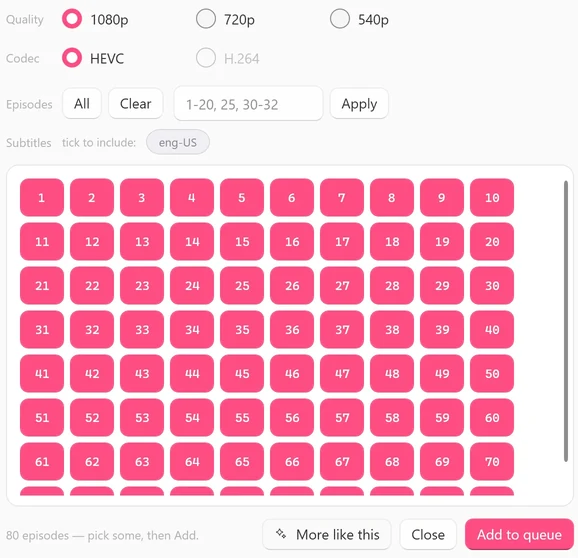
The episode picker opens over the app.
 Open the full-size pictureOpen the full-size picture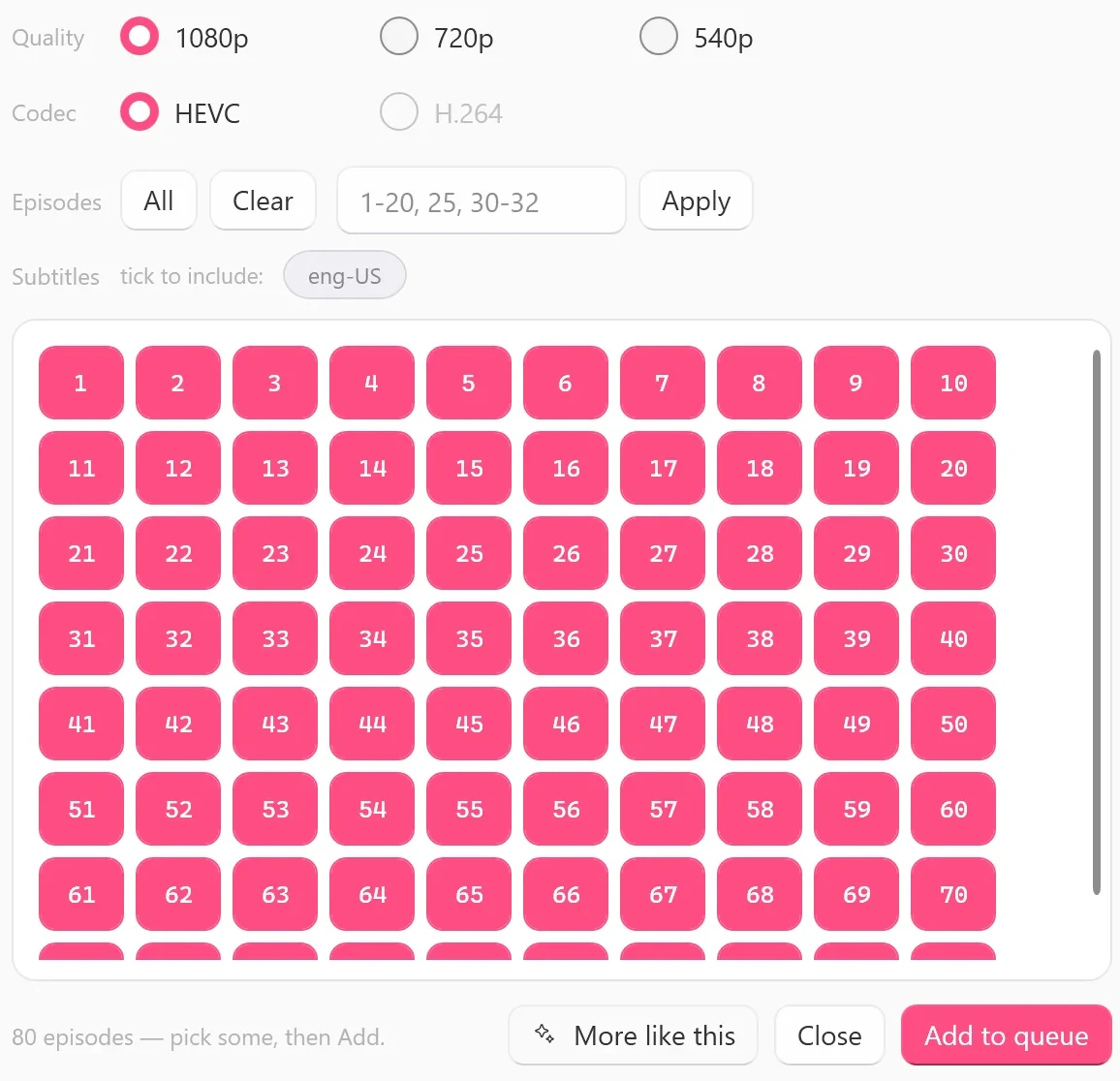
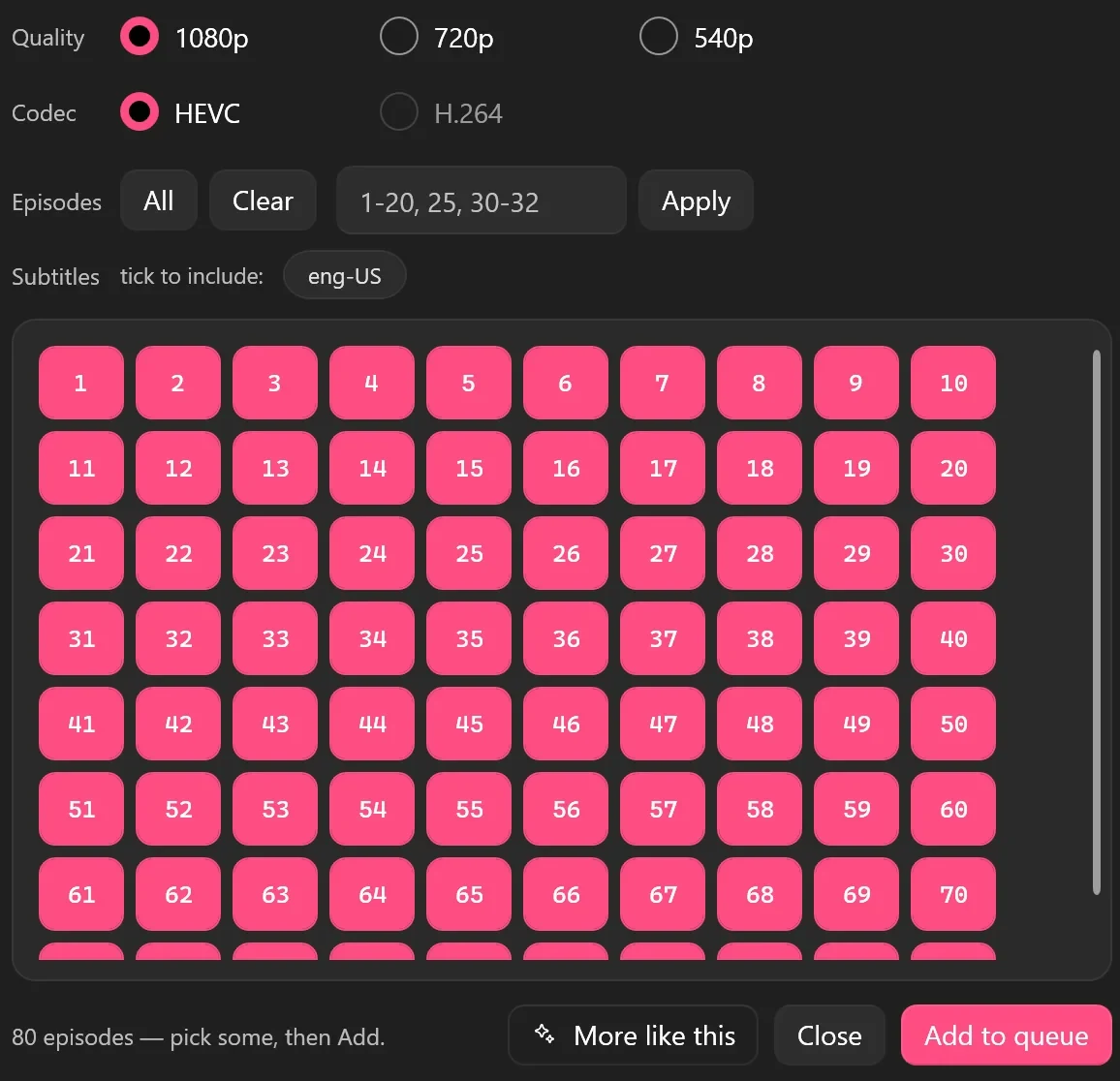
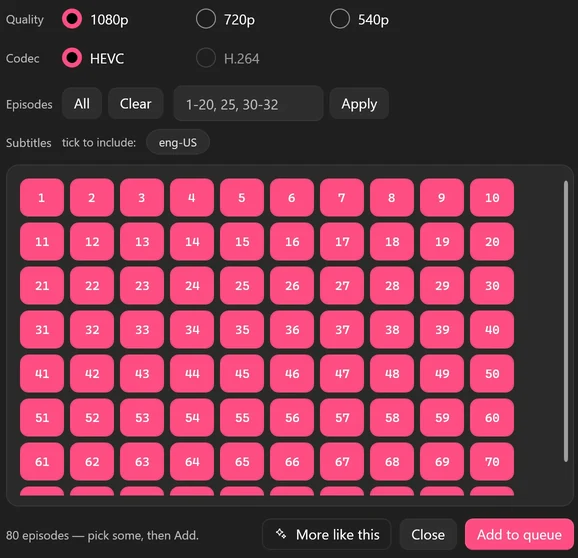
- Episodes: every episode starts selected; keep it that way for the whole series. To take only some, click Clear and tap the numbers you want, or type a range such as
1-20, 25, 30-32in the box and click Apply. All selects everything again. - Quality: 1080p, 720p or 540p works as a ceiling. Each episode is saved at the best tier TikTok serves for it, up to your choice. The picker checks a few episodes first and grays out a tier none of them has. What quality you can get explains the details.
- Codec: HEVC is the default. H.264 is only offered when you choose 540p.
- Subtitles: if TikTok provides subtitle tracks for the drama, their codes appear after
tick to include:, for exampleeng-US. Click a code to include it; it is saved inside the MP4 and as a.vttfile next to it.None availablemeans TikTok has none for this drama. - Preview EP 1: plays the first 60 seconds of episode 1 so you can check it’s the right drama. It doesn’t use a Free plan slot.
Click Add to queue. The app checks your plan (Checking your plan…), then the picker closes and the episodes join the queue. On the Free plan you can start 2 new dramas per PC per day, each with every available episode in any quality TikTok offers for it, and a drama you have started stays free to finish. The count resets at 00:00 UTC.
Tip
In a hurry? The download button on a poster (Download all episodes in Browse, Queue every episode on the Download tab) queues the whole series without opening the picker. These one-click buttons don’t include subtitles.
Step 4: Follow the download in the Queue
Open Queue in the left rail. Each series gets one card.
- The line under the title reads like
12/60 episodes · 20% · 1080p: episodes finished, overall progress, and the tiers the finished files really have. - The label on the right says
QUEUED,DOWNLOADINGorDONE. ✕ cancels that series, Retry appears if an episode failed, and Open opens the series folder when it is done. - By default 2 series download at a time, with 4 episodes each. Batch-downloading several dramas shows how to change that.
- If you close the app before everything finishes, the unfinished episodes come back the next time you open it, under
Resume last session?. Click Resume all to start the rest of your queue.
Step 5: Find your files
Finished series go to the TikTok ShortDrama folder inside your Windows Videos folder unless you chose another one. If you used the app when it was called TokDrama, it keeps using your existing Videos\TokDrama folder.
- Each series gets its own folder, named after the drama’s title.
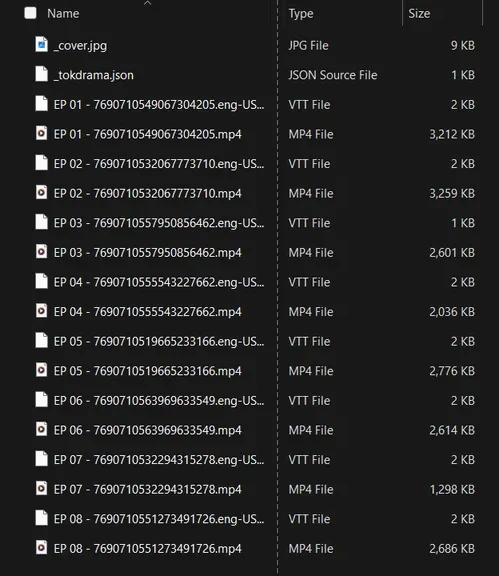
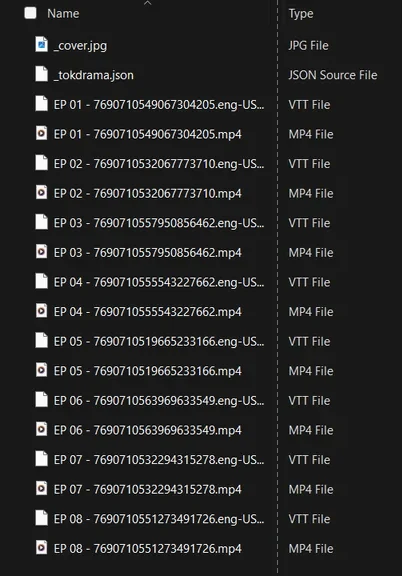
- Episodes are named
EP 01 - <episode id>.mp4,EP 02 - ...and so on. The folder also holds the poster (_cover.jpg) and a small info file the app uses (_tokdrama.json). - To save somewhere else, go to Settings > Downloads > Download folder and click Change….
 Open the full-size picture
The Library tab shows everything in that folder as a cover grid. Each card shows how many episodes you have out of the total, and the series size. Right-click a series for actions such as these:
- Play opens it in your default Windows video player.
- Update checks TikTok for missing or newly released episodes and queues them. It runs only when you click it, so use it for series that are still coming out.
- Merge joins the saved episodes into one file.
- Convert to H.264 makes an H.264 copy for devices that can’t play HEVC.
- Open folder shows the files in File Explorer.
What to expect
- Every available episode. If TikTok doesn’t serve an episode to your account, the app can’t save it.
- Quality is a ceiling. Episodes of the same series can arrive in different tiers, and nothing is saved above 1080p. The queue card shows what you really got.
- Series that are still coming out. New episodes aren’t fetched on their own. Open the Library and click Update when you want them.
- Short dramas only. Ordinary TikTok videos, photo posts and playlists aren’t saved; a link to an ordinary video gives the
Couldn't find a dramamessage below. See video downloaders vs short-drama downloaders if that’s what you need. - Subtitles are saved only when TikTok provides them for that drama.
Tested on 30 September 2026
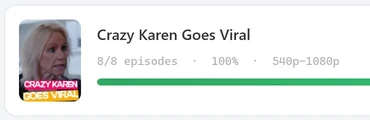
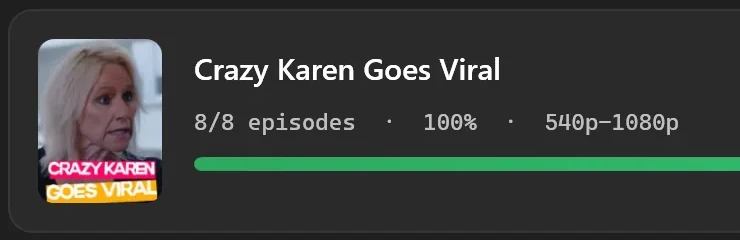
We ran a full download with version 1.5.0: an 8-episode public drama from the Latest shelf, every episode selected, 1080p, HEVC and the eng-US subtitle chip ticked. Its card ended at 8/8 episodes · 100% · 540p-1080p. The picker had offered 1080p, but the saved files were 1080p for 5 episodes, 720p for 1 and 540p for 2. The series folder was named after the drama and held EP 01 - <episode id>.mp4 to EP 08 - <episode id>.mp4, each with a .eng-US.vtt file next to it, plus _cover.jpg and _tokdrama.json.
 Open the full-size pictureOpen the full-size picture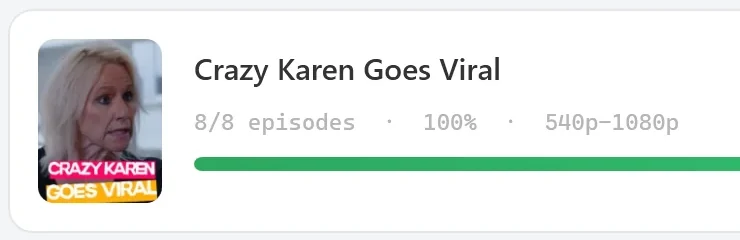
Troubleshooting
Log in to TikTok first — see Settings ▸ Account.
You aren’t signed in, or the session has ended. Repeat Step 1.
Couldn't find a drama from that link — is it a short-drama link?
The link opened, but it doesn’t belong to a short drama; an ordinary TikTok video gives this message, for example. Use the link of one of the drama’s episodes, or search for the title instead.
Only TikTok and PineDrama links work here — “example.com” isn't one, so it wasn't opened.
The app only opens TikTok and PineDrama links and never opens links to other websites. Copy the link from the share button in TikTok or PineDrama instead.
No dramas found.
The search found no short drama with that title. Try fewer words or check the spelling, or paste a link to one of its episodes. In Browse, the same result reads No dramas found. Try a shorter title.
A window says you’ve used today’s free dramas
On the Free plan, the message starts You've used today's 2 free dramas, so and names the drama that didn’t start. It also tells you when more free dramas are available: the count resets at 00:00 UTC, shown in your local time. Dramas you have already started stay free to finish.
FAQ
Do I need a TikTok account?
Yes. You sign in once with your own TikTok account inside the app, and search, links, previews and downloads all use that session. You don’t need a ShortDrama Downloader account.
Can I save PineDrama episodes the same way?
Yes. Paste a PineDrama share or episode link into the Download box and click Go; the episode picker and the queue work the same way. See saving PineDrama episodes to your PC.
What can I play the files with?
They are ordinary MP4 files, so you can play them offline in a video player that supports HEVC. If a TV or older device can’t play them, use Convert to H.264 in the Library.
How much does it cost?
On the Free plan you can start 2 new dramas per PC per day, each with every available episode in any quality TikTok offers for it. Monthly (US$9.99), Yearly (US$29.99) and Lifetime (US$59.99, one-time) allow unlimited new dramas. A paid licence key is active on one PC at a time and can be moved to another PC once every 7 days.