How to save PineDrama episodes to your PC from a share link
Copy a PineDrama share link on your phone, paste it into PineDrama Downloader on Windows and save the whole series or the episodes you pick as MP4 files.
Written with AI assistance and reviewed by the ShortDrama Downloader team before publication. How we make guides
In short
- Short answer: Copy an episode’s share link in PineDrama on your phone, send it to your PC, paste it on the app’s Download tab, click Go, pick the episodes and click Add to queue.
- What you get: MP4 files in one folder per series on your Windows PC, up to 1080p where offered, for personal offline viewing.
- Limits: runs on 64-bit Windows 10 or 11 only. You sign in once with your TikTok account, the same one PineDrama uses. PineDrama works by pasting links: the app has no PineDrama browsing or search. A particular drama can still be unavailable in some countries.
PineDrama is TikTok’s short-drama app, and it’s made for phones. To keep PineDrama episodes as files on a Windows PC, you need a separate tool. PineDrama Downloader is our Windows app for that: you paste a share link, and it saves the whole series, or only the episodes you pick, as MP4 files you can watch offline.
Applies to: PineDrama Downloader 1.5.0 on Windows 10 and 11 (64-bit). Tested on Windows 11 Pro 25H2, 30 September 2026.
Note
Looking for the PineDrama app itself? It’s free to download on the App Store and Google Play in the countries where it is available: see PineDrama on the App Store and PineDrama on Google Play. Our app doesn’t install or replace it. It’s a separate Windows tool from an independent publisher.
This guide takes one drama from PineDrama on your phone to the Library on your PC, for a flight, a bigger screen or a spotty connection.
Before you start
- A 64-bit Windows 10 or 11 PC. This app has no Mac or phone version.
- The app, from its download page (106 MB). If Windows shows “Windows protected your PC”, click More info, then Run anyway. The installer also checks for the Microsoft Edge WebView2 Runtime, which the sign-in window needs.
- Once it’s installed, the app’s window is titled TikTok ShortDrama Downloader. It’s the same app under its other name.
- Your TikTok account. PineDrama uses your TikTok account, so this is the login you already have: TikTok’s help page on PineDrama says the two accounts are linked.
- The PineDrama app on your phone, with the drama you want to save.
- An internet connection. Downloading always needs one; the saved files play offline.
Step 1: Sign in once
Open the app, click Not signed in at the top left, and in the ACCOUNT card click Log in to TikTok. Sign in with the TikTok account you use in PineDrama, then click Done when the window says Logged in ✓ session captured — click Done. You only do this once, and Step 1 of the TikTok series guide shows each screen.
Your password goes to TikTok, not to us, and the app keeps the session encrypted on your PC and never sends it to us.
Step 2: Copy the share link in PineDrama
On your phone:
- Open PineDrama and play any episode of the drama you want. Any episode is fine: the app finds the whole series from one episode’s link.
- Tap the share button on that episode.
- In the list of sharing options that opens, choose the one that copies the link.
A PineDrama share link is a short address with /t/ in it. An episode link, with /shortdrama/episode/ in the address, works too.
Tip
You don’t need to trim what you copied. If the share message has words around the link, paste all of it: the app picks out the link and ignores the other words.
Step 3: Get the link onto your PC
Use whatever you normally use to move a bit of text from your phone to your computer, for example:
- email the link to yourself and open the email on the PC;
- send it to yourself in a messaging app you also use on the PC;
- save it in a notes app that syncs to your PC.
Then copy the link on the PC.
Step 4: Paste the link and click Go
- Click Download in the left rail.
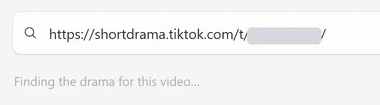
- Click the box that says
Search a drama title, or paste TikTok drama links — one per line for bulk. PineDrama links go in this same box. - Paste the link with Ctrl+V.
- Click Go, or press Enter.
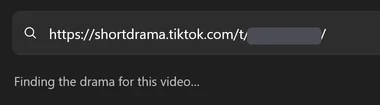
While the app looks up the series, the line under the box shows its progress, first Resolving short link… and then Finding the drama for this video…. When it has found the series, the line clears and the episode picker opens.
Tested on 30 September 2026
Each of three PineDrama episode share links opened the picker within about two seconds.


 Open the full-size pictureOpen the full-size picture

To save several dramas in one go, paste one link per line (Shift+Enter starts a new line). That’s covered in Batch-download several TikTok short dramas at once, and it works the same way for PineDrama links.
Step 5: Pick the episodes
 Open the full-size pictureOpen the full-size picture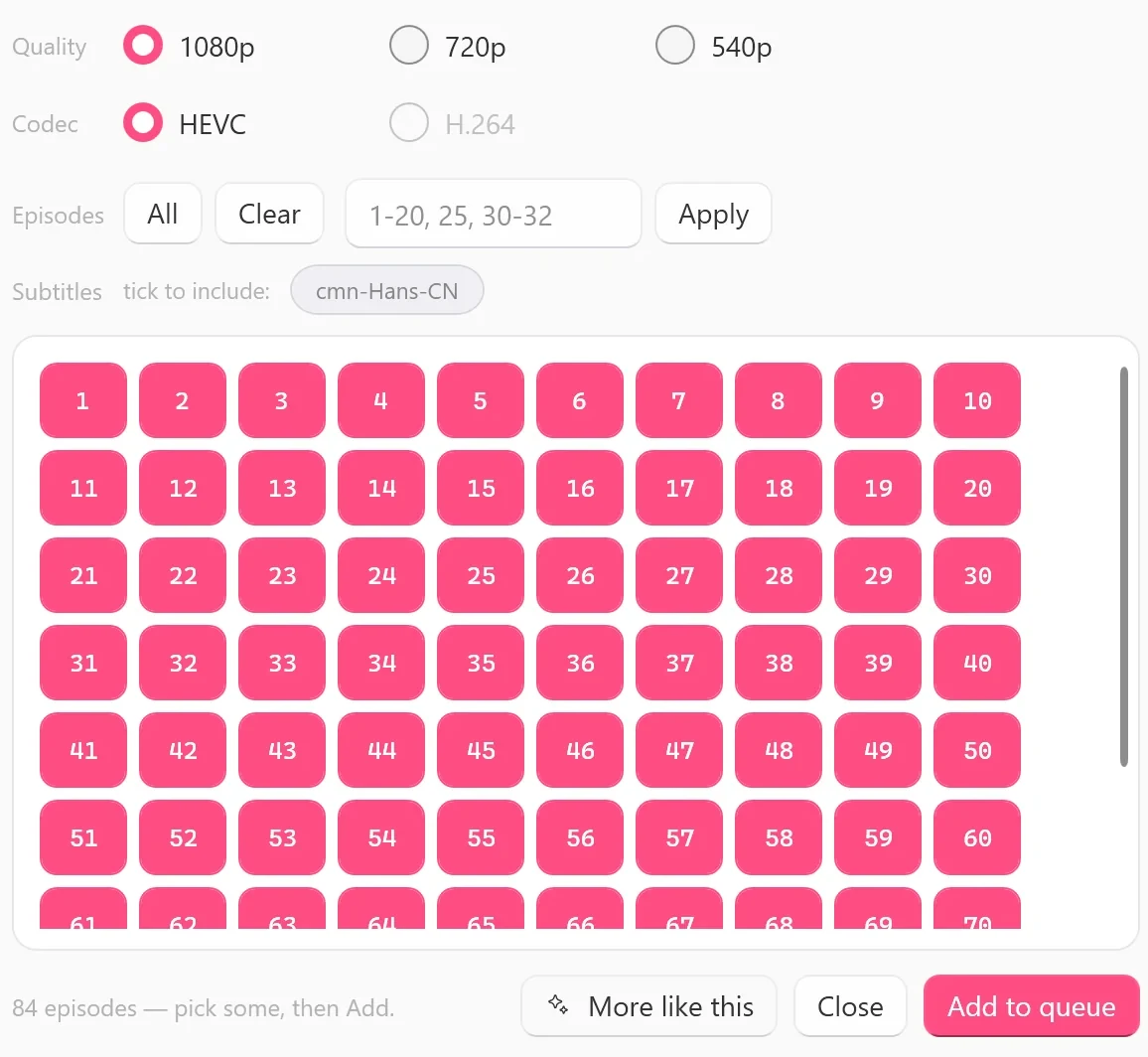
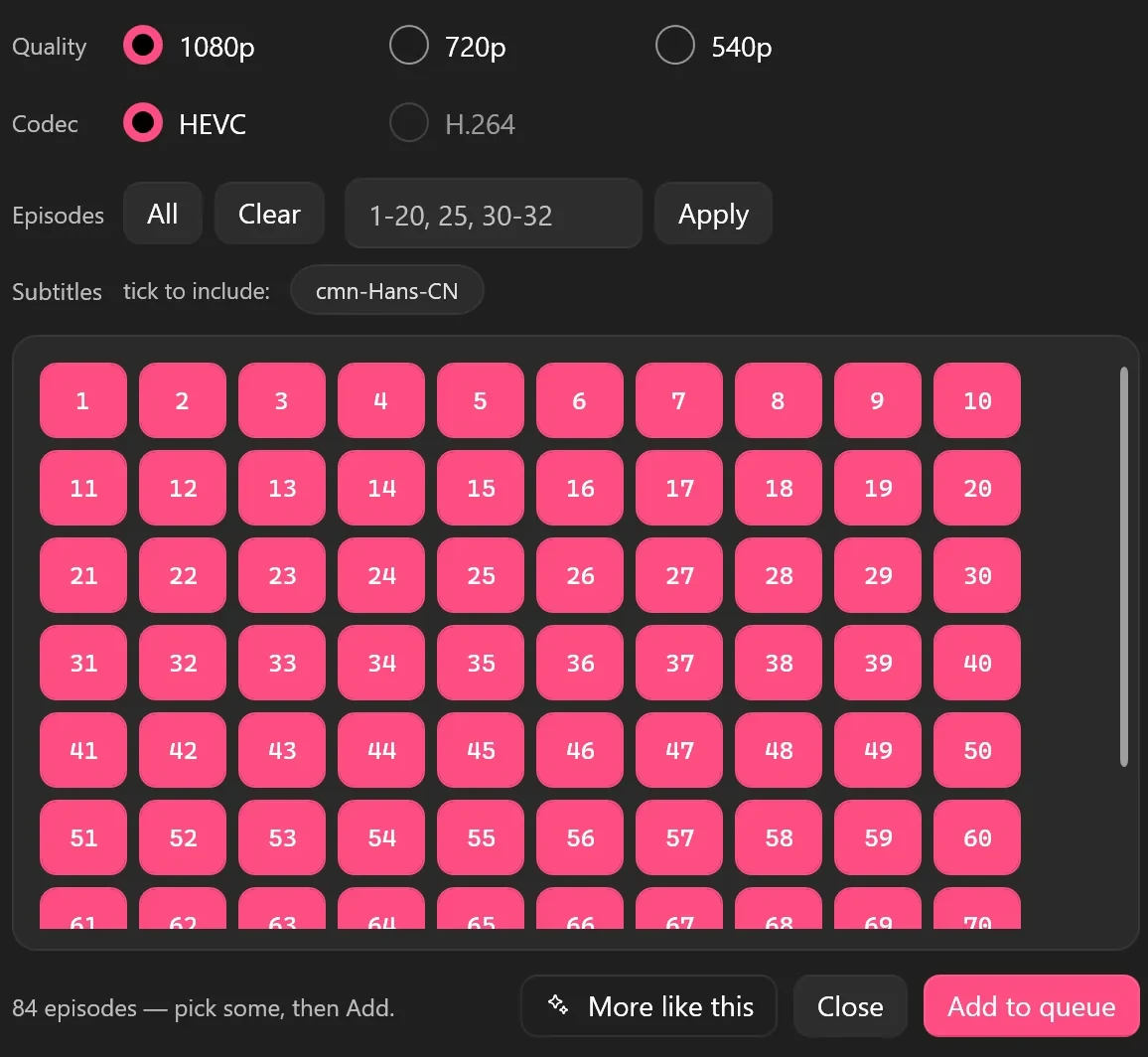
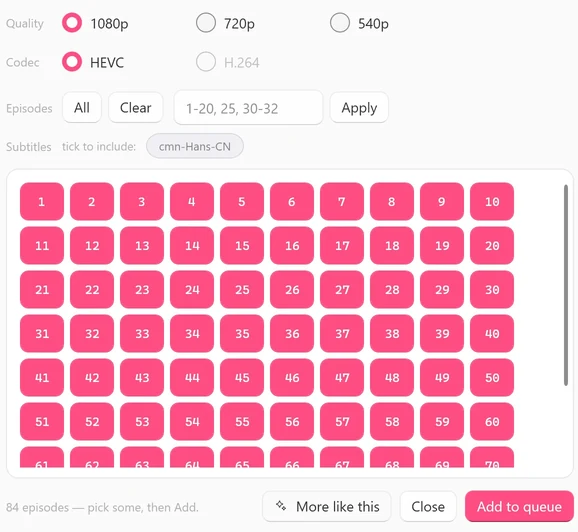
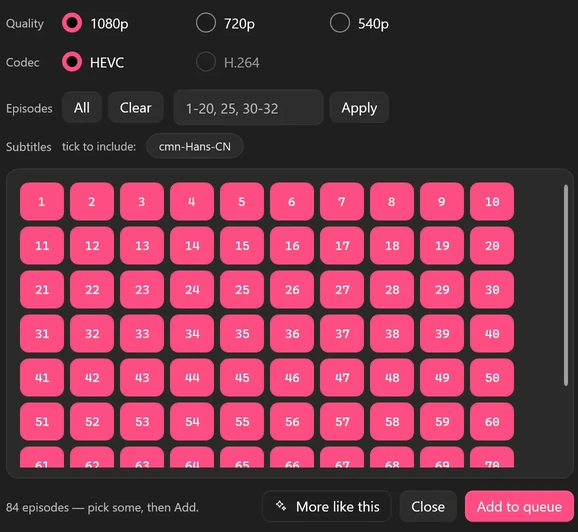
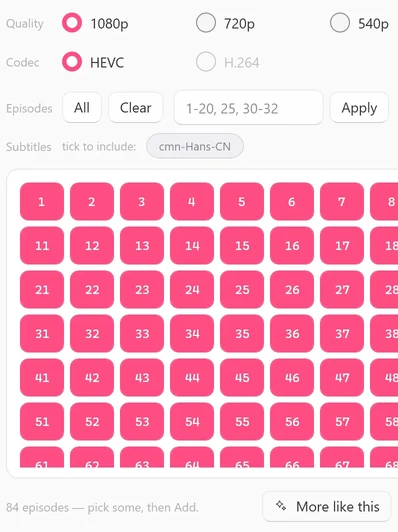
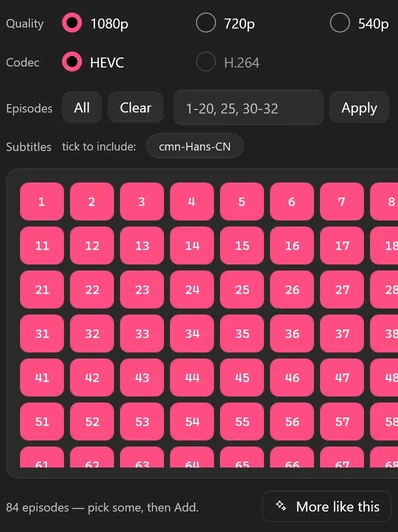
- Every episode starts selected. To save only some, click Clear, then click the episode numbers you want. Or type a range such as
1-20, 25in the box next to Apply and click Apply. All selects every episode again. - Under Quality, pick 1080p, 720p or 540p. It works as a ceiling: each episode gets the best version TikTok serves for it, up to your choice. A grayed-out tier isn’t offered for this drama.
- Under Codec, keep HEVC, or pick H.264 if you chose 540p. H.264 is only offered at 540p.
- Under Subtitles, if you see
tick to include:, click a language code such as eng-US or cmn-Hans-CN to save that subtitle track.None availablemeans the drama has no subtitle tracks to save. - To check it’s the right drama first, click Preview EP 1. It plays the first 60 seconds of episode 1.
- Click Add to queue.
Note
On the Free plan you can start 2 new dramas per PC per day, and the count resets at 00:00 UTC. A drama you’ve started stays free to finish. The app checks your plan when you click Add to queue.
Step 6: Let it download, then find your files
Click Queue in the left rail to follow progress. Each series has one card, and its line shows the episodes saved, the progress and the quality the finished episodes actually got (540p-1080p means it varied by episode). When it’s finished, Open opens its folder.
Files go to Videos\TikTok ShortDrama by default, in one folder per series, with the episodes named EP 01, EP 02 and so on. To save somewhere else, change Download folder in Settings.
 Open the full-size pictureOpen the full-size picture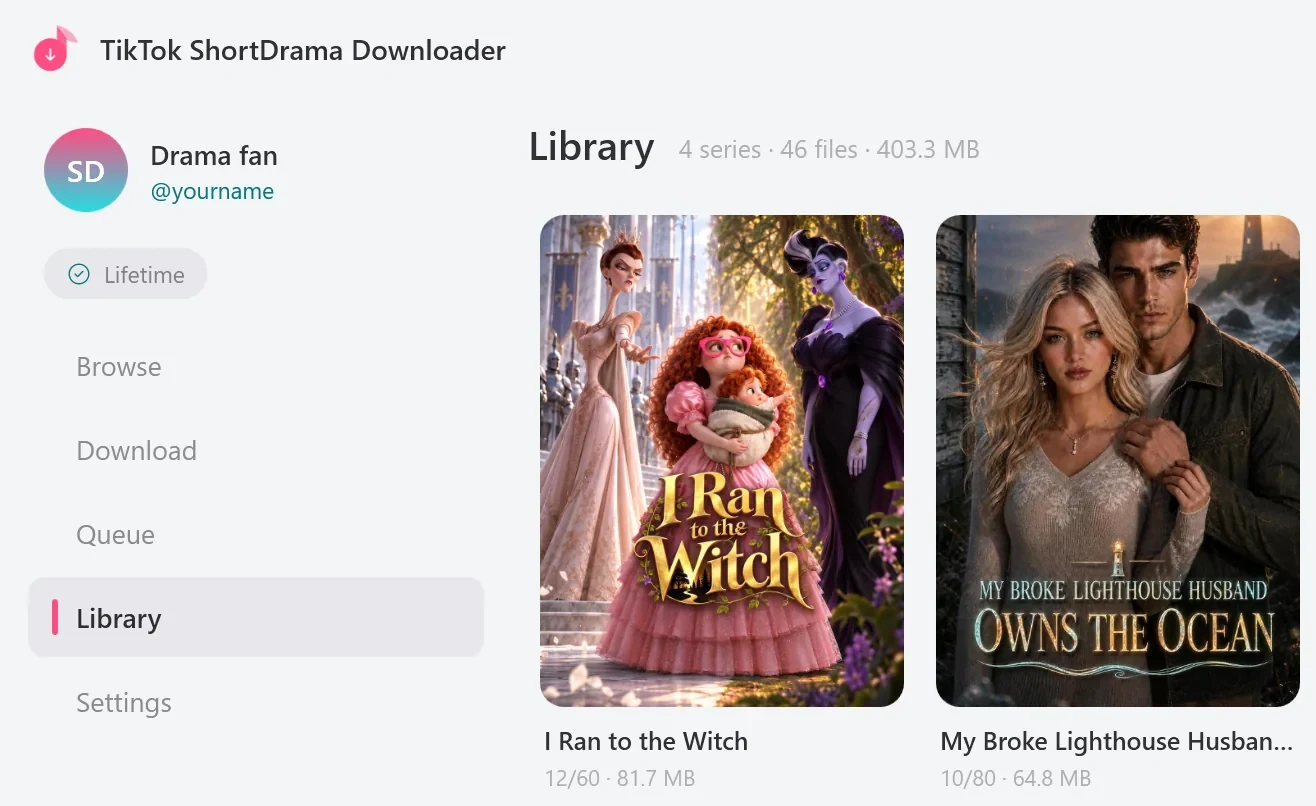
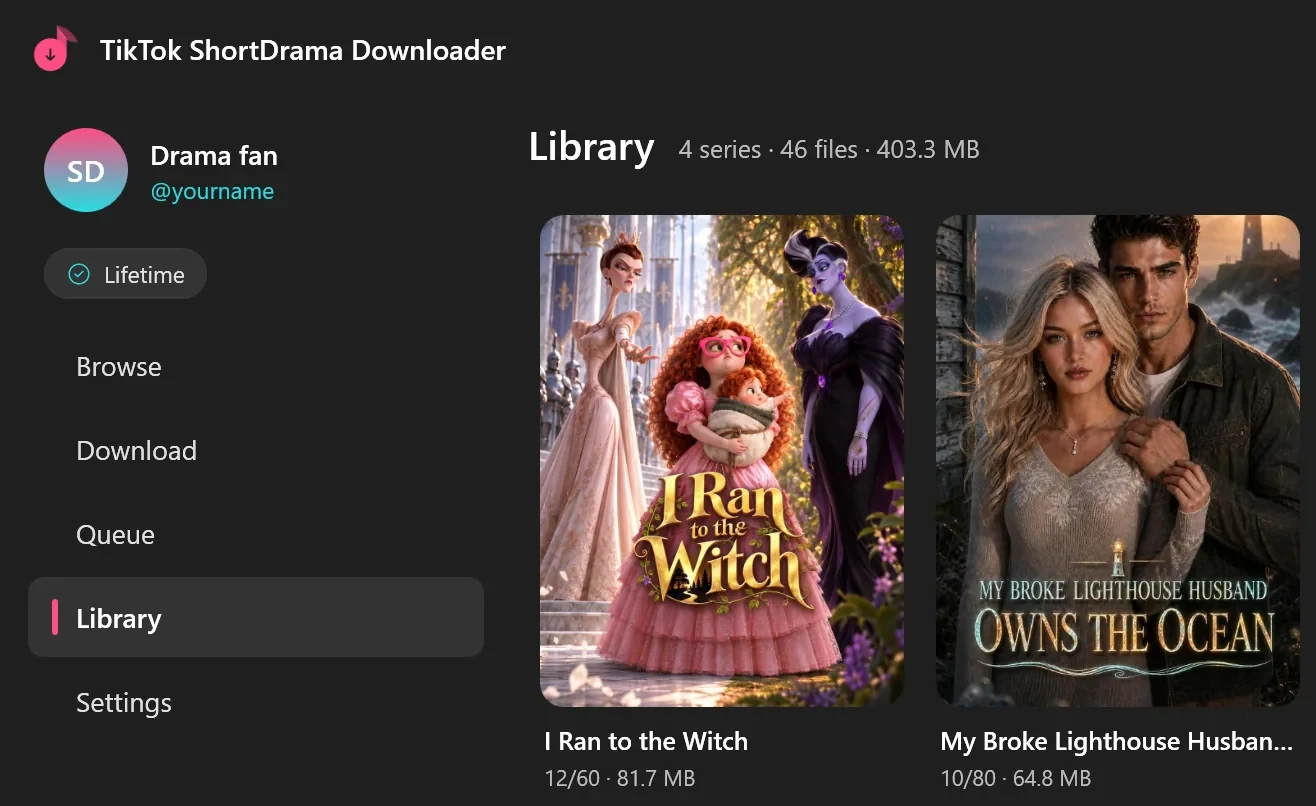
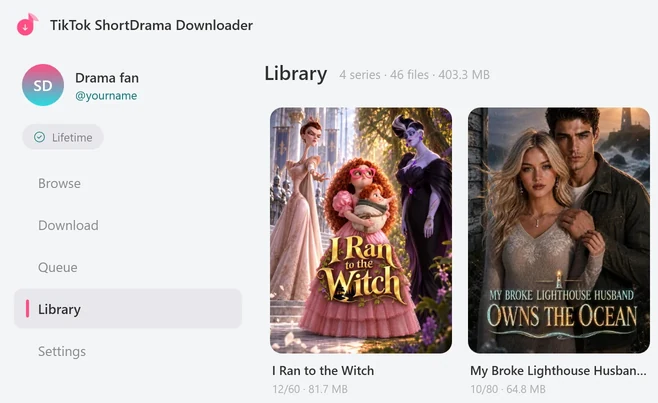
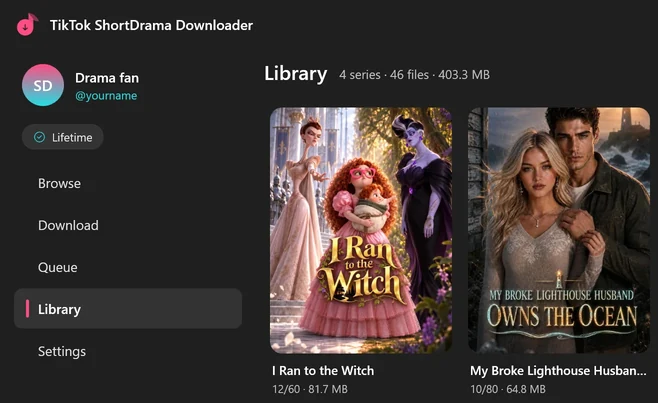
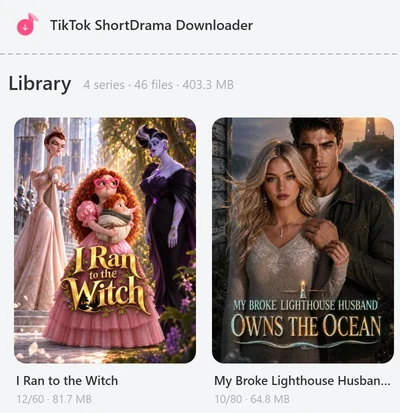
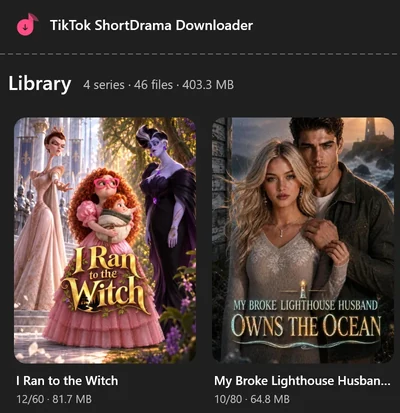
Your saved series also appear in Library. Play opens a series in your default Windows video player. Right-click a series for Update, Merge and Convert to H.264.
Does it work outside the US?
Yes. PineDrama share links work outside the US: we checked from a PC outside the US on 30 September 2026, and three episode share links each opened the episode picker. Availability still differs by country: a particular drama may not be offered where you are, or may have been taken down. If a drama doesn’t play in PineDrama where you are, we can’t help you get it and won’t suggest ways around it.
Some PineDrama page links that are neither share links nor episode links only open in certain countries. If one of those doesn’t work, go back to the episode in PineDrama and copy its share link instead.
What to expect
- Quality: up to 1080p where TikTok offers it for each episode. When none of a series’ finished episodes reached the tier you picked, its Queue card says so, for example
720p (1080p n/a). More in What quality can you download TikTok short dramas in? - Files: MP4 files, one folder per series.
- Playback: the higher tiers are HEVC. If your player can’t play HEVC, right-click the series in Library and use Convert to H.264, which makes an H.264 copy at full resolution and keeps the originals.
- Subtitles: only the tracks the drama has. Ticked languages are saved inside the MP4 and as a .vtt file next to it.
- New episodes: for a series that’s still coming out, right-click it in Library and click Update. It checks for new or missing episodes only when you click it.
Troubleshooting
Couldn't find a drama from that link — is it a short-drama link?
The link didn’t lead to a drama series. Make sure you copied the share link of an episode, not a link to a profile, an ordinary video or an app invite, and paste only that link. A shared profile is easy to spot: before this message, the line under the box shows Scanning @… for dramas…. In our test, two PineDrama share links we found online turned out to be shared profiles and ended this way. If it was a PineDrama page link rather than a share link, see Does it work outside the US? above.
Other messages
The sign-in message and the message for links to other websites are the same for PineDrama and TikTok links: see troubleshooting in the TikTok series guide.
FAQ
Do I need a separate account for this app?
No ShortDrama Downloader account is needed. You sign in once, inside the app, with your TikTok account. PineDrama uses the same TikTok account, so it’s the login you already have.
Can I search for PineDrama dramas inside the app?
No. For PineDrama, you paste links. The app’s Browse tab and title search cover TikTok’s own short-drama shelves, which you can use as well.
Is PineDrama Downloader the same as TikTok ShortDrama Downloader?
Yes. It’s one app with the same installer, plans and licence keys, which is why the installer and the app window both say TikTok ShortDrama Downloader. It saves TikTok short dramas as well as PineDrama episodes.
Can I save several PineDrama dramas at once?
Yes. Paste several links, one per line, and click Go. TikTok and PineDrama links can be mixed. You get one card per series under Pasted links and a Download all button, which queues every available episode of each series without subtitles, at the best quality available in your default codec from Settings (if that’s H.264, you get 540p). To pick episodes, quality or subtitles for a series, paste its link on its own instead.
Sources
- PineDrama (TikTok Help Center), support.tiktok.com
- PineDrama on the App Store (US), apps.apple.com
- PineDrama on Google Play, play.google.com