TikTok video downloader vs short-drama downloader: which one do you need?
Ordinary TikTok downloaders save single videos; this Windows app saves short-drama series. See which tool fits your job, and what this one can’t do.
Written with AI assistance and reviewed by the ShortDrama Downloader team before publication. How we make guides
In short
- Short answer: For one ordinary TikTok video or photo post, use TikTok’s own Save video or Save photo; for every episode of a short drama on a Windows PC, use a short-drama downloader.
- What you get here: whole series, or only the episodes you pick, as MP4 files in one folder per series, up to 1080p where TikTok offers it, for your own viewing. The app is TikTok ShortDrama Downloader, also offered as PineDrama Downloader.
- Limits: ordinary videos, photo posts, sounds, liked videos, collections and playlists aren’t supported. Paste one of those links and the app tells you it couldn’t find a drama.
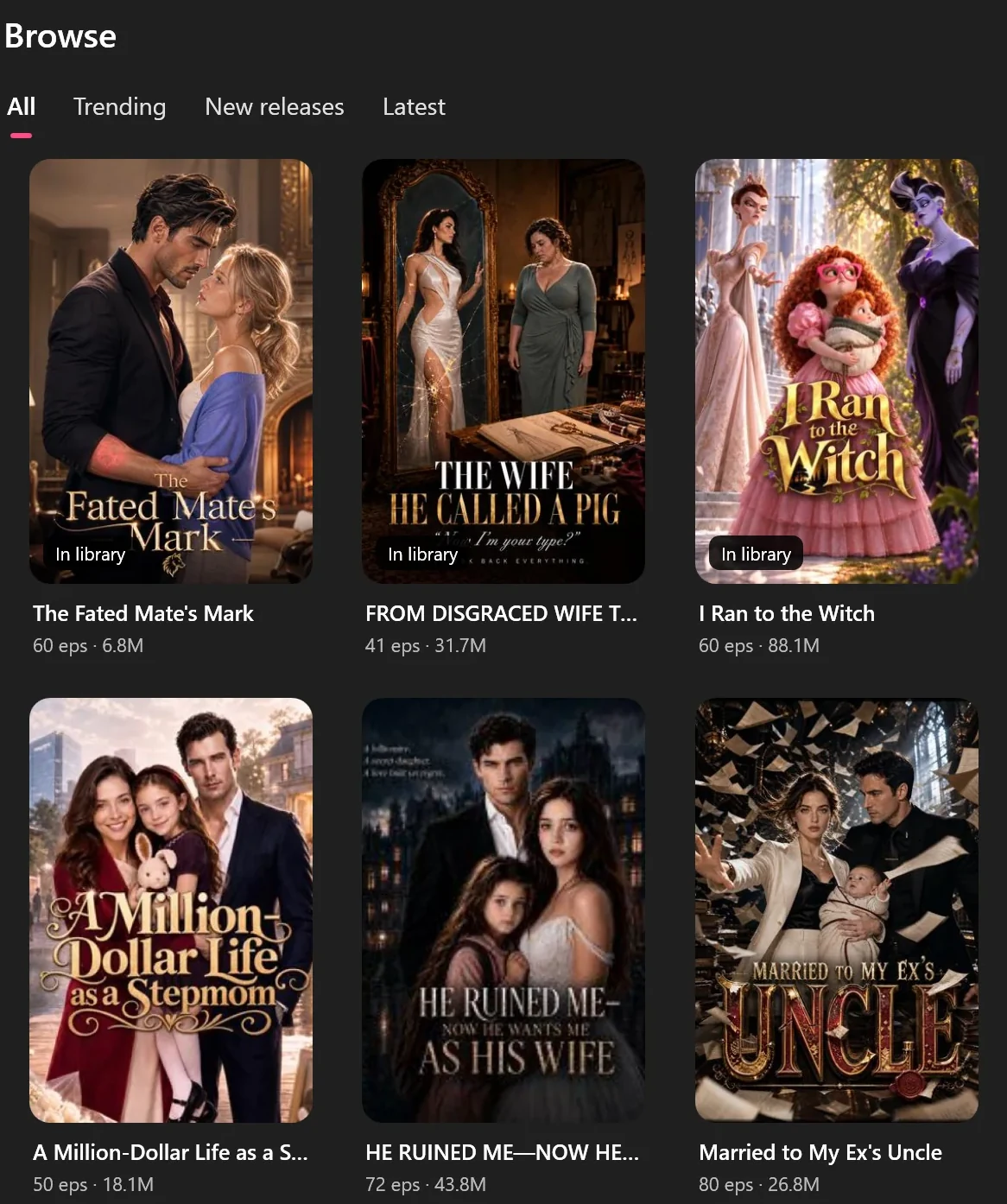
Search for a TikTok video downloader and most results are tools for one job: saving a single public video. Short dramas are a different job. A series runs to dozens of episodes (41 to 80 for the dramas in the Browse screenshot below), and you want them in order, in one place. This guide explains what each kind of tool is for, so you can pick the right one, and says plainly what our app can’t do.
Applies to: TikTok ShortDrama Downloader and PineDrama Downloader (the same app) 1.5.0 on Windows 10 and 11 (64-bit). Tested on Windows 11 Pro 25H2, 30 September 2026.
What an ordinary TikTok downloader does
Most are websites, browser add-ons or phone apps. You paste the link of one public video and get one file back, sometimes with an audio-only option. Some also fetch a whole profile, liked videos or a collection. They’re built around single posts, not series.
TikTok has its own options for single posts too. In the TikTok app, Share ▸ Save video saves a video to your phone, and TikTok’s download page walks you through its own ways of saving videos. TikTok also asks people not to use third-party tools to save other users’ videos; saving short dramas responsibly covers what that means for you.
What a short-drama downloader does
TikTok ShortDrama Downloader, also offered as PineDrama Downloader, is built for series:
- It finds the whole drama behind an episode link and saves every available episode, or only the ones you pick, as MP4 files in one folder per series.
- You can browse TikTok’s short-drama shelves, search by title, or paste TikTok and PineDrama links, one per line when you have several.
- It downloads up to 8 series at a time, with at most 16 episodes downloading at once.
- Its Library keeps each series together and checks TikTok for new episodes when you click Update.
- It runs on Windows 10 and 11 (64-bit), and you sign in once with your own TikTok account.
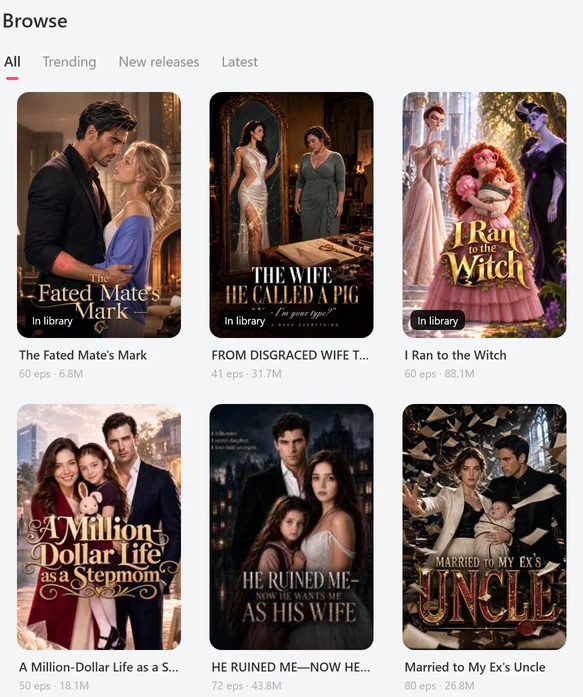
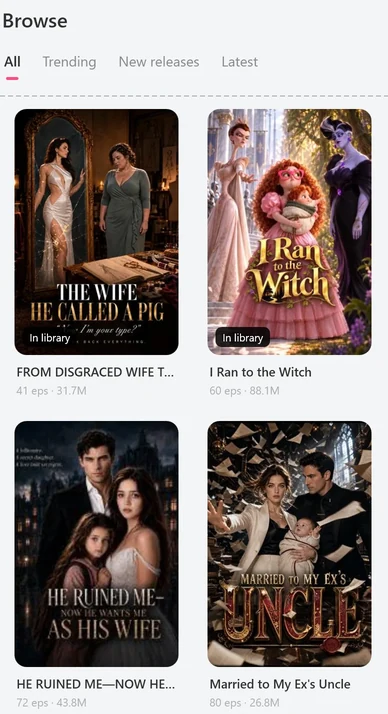
 Open the full-size pictureOpen the full-size picture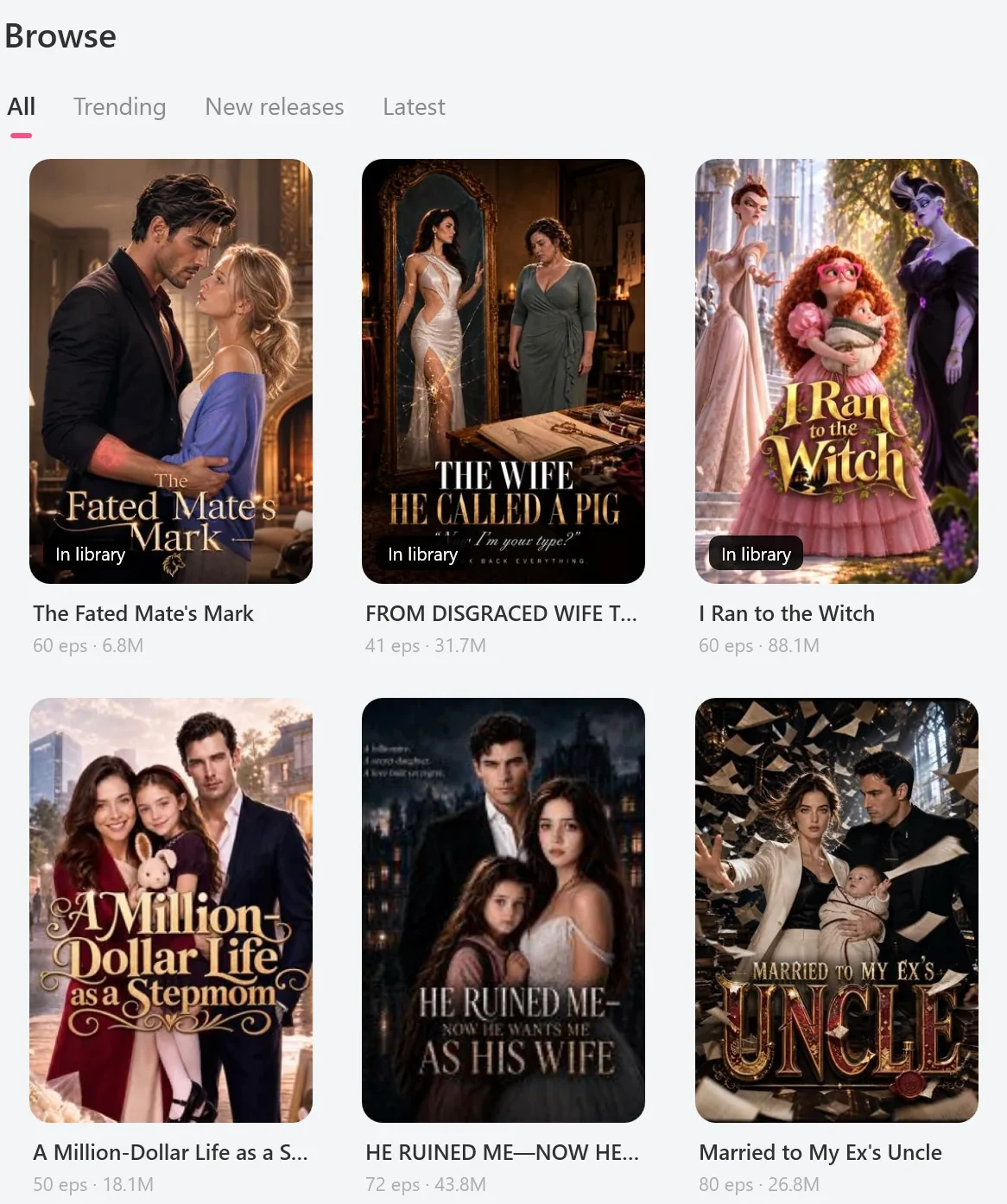
Which tool fits the job
| What you want | What to use |
|---|---|
| One ordinary TikTok video, on your phone | TikTok’s Save video |
| A photo post | TikTok’s Save photo |
| A sound, your liked videos, a collection or a playlist | Not this app: it doesn’t save them |
| Every available episode of a TikTok short drama, on a Windows PC | This app, for your own viewing, where permitted |
| A PineDrama drama you have a share or episode link for | This app: paste the link, for your own viewing, where permitted |
| An episode you came across in your feed | This app finds the series it belongs to, for your own viewing, where permitted |
| The short dramas on a creator’s profile | This app, from their @profile link (the Short dramas tab only), for your own viewing, where permitted |
| A drama from another short-drama app, such as ReelShort or DramaBox | Not supported |
What happens if you paste an ordinary video link
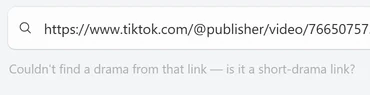
The app opens TikTok and PineDrama links only, and only goes further when a link leads to a short drama. These are the messages you’ll see, copied from version 1.5.0:
- An ordinary video or photo post:
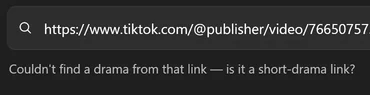
Couldn't find a drama from that link — is it a short-drama link? - A creator profile with no short dramas: the same message.
- A sound: the same message, after the line has shown
Looking upand the sound’s number for a while (about 18 seconds when we tried a sound link on 30 September 2026). - A link to another website:
Only TikTok and PineDrama links work here — “example.com” isn't one, so it wasn't opened.The message names the site you pasted. - A collection or playlist under a creator’s @name: the app reads it as that creator’s profile, so you get the dramas on their Short dramas tab, if they have any, and never the collection’s videos. When we pasted a public collection link on 30 September 2026, the line read
Scanning @… for dramas…; that creator had no short dramas, so it ended with theCouldn't find a dramamessage, and the collection’s videos were never listed. - A video that is an episode of a short drama: that works. The app finds its series and opens the episode picker.
Tested on 30 September 2026
An ordinary public video link gave us about 20 seconds of Finding the drama for this video…, then the message in the line under the box.


 Open the full-size pictureOpen the full-size picture

When TikTok’s own Save option is the right tool
If you only want one ordinary video on your phone, TikTok’s own option is simpler than any separate tool:
- In the TikTok app, go to the video.
- Tap Share on the side of the video.
- Tap Save video.
For a photo post, the same menu offers Save photo.
What to expect from this app
- Sign-in: you sign in once with your own TikTok account, inside the app. You don’t need an account with us.
- Windows only: there’s no Mac, phone or web version.
- Quality: up to 1080p where TikTok offers it. Episodes are HEVC; H.264 is offered at 540p, and the Library can convert a series to H.264. See what quality you can download.
- Free plan: 2 new dramas per PC per day, each with every available episode.
- For your own viewing: save only where you’re permitted to, and don’t publish what you save.
Troubleshooting
Two messages matter most when you’re working out what the app can take. For the sign-in message and the other common ones, see troubleshooting in the TikTok series guide.
No dramas found.
Title search only returns short dramas, so a video caption or a creator’s name usually won’t find anything. Search for the drama’s title, or paste one of its episode links.
Couldn't read that — check the link or title and try again.
The app couldn’t make sense of what you pasted. Copy the link again from TikTok’s Share menu and paste only the link.
FAQ
Can this app save ordinary TikTok videos on a PC?
No. It’s a Windows app, but it saves short-drama episodes only. A regular video link works only when that video is an episode of a short drama.
Why does it need my TikTok sign-in?
Search, links, previews and downloads all run through your own TikTok account. You sign in on TikTok’s own login page inside the app. Your password goes to TikTok, and your session is stored encrypted on your PC and never sent to us.
Can it batch-download TikTok videos?
Only short dramas: whole series, several series at once, or the dramas on a creator’s profile. It doesn’t batch-download ordinary videos, liked videos or collections. Batch-download several TikTok short dramas at once shows how.
Sources
- TikTok’s own page on saving videos, tiktok.com