The Free plan explained: 2 new dramas a day, with every available episode
How the Free plan works: 2 new dramas per PC per day with every available episode and quality, when the count resets, and what paid plans add.
Written with AI assistance and reviewed by the ShortDrama Downloader team before publication. How we make guides
In short
- Short answer: On the Free plan you can start 2 new dramas per PC per day, each with every available episode in any quality TikTok offers for it.
- What you get: whole series or the episodes you pick, up to 1080p where offered, plus the subtitle tracks TikTok provides and the Library tools. A drama you start stays free to finish. No card and no ShortDrama Downloader account.
- Limits: the count is per PC and resets at 00:00 UTC. The Free plan needs an internet connection. Paid plans remove the daily limit.
Saving a drama or two now and then? You can download short dramas for free with the app’s Free plan, and this page explains how it works, rule by rule. It’s the same plan in TikTok ShortDrama Downloader and PineDrama Downloader, because they’re one app.
Applies to: TikTok ShortDrama Downloader and PineDrama Downloader (the same app) 1.5.0 on Windows 10 and 11 (64-bit). Tested on Windows 11 Pro 25H2, 30 September 2026.
Before you start
- A 64-bit Windows 10 or 11 PC with the app installed.
- Your own TikTok account. You sign in once inside the app; PineDrama links use the same TikTok sign-in.
- An internet connection. The daily count is kept on our licence server, not on your PC.
What counts as a new drama
A new drama is a series this PC hasn’t counted before. It counts once, the first time the app starts it. After that, everything about that drama stays free on this PC.
| What you do | Uses a daily slot? |
|---|---|
| Start a drama this PC hasn’t counted before | Yes |
| Add more episodes of a drama you already started | No |
| Download a drama you started earlier again | No, as long as the app has checked in within the last 60 days |
| Click Update in the Library for a drama you started | No |
| Click Preview EP 1 | No |
| Try a series the app can’t load | No |
| Delete a drama’s files | Doesn’t give the slot back |
A long series costs the same as a short one: one drama, however many episodes it has.
The 60-day rule comes from our Terms: if the app on a PC hasn’t checked in with our server for 60 days, the server deletes that PC’s Free plan records, and a drama downloaded after that counts as new.
When the count resets
The count resets every day at 00:00 UTC. The app shows that moment in your PC’s own time zone, so you don’t have to convert it. For example:
| Where you are | Local reset time |
|---|---|
| Los Angeles | 5:00 PM (4:00 PM in winter) |
| New York | 8:00 PM (7:00 PM in winter) |
| London | 1:00 AM (midnight in winter) |
| Manila | 8:00 AM |
How to see how many you have left
- Look under your name in the left sidebar. On the Free plan, the plan chip reads
Free · 2 left today(the number goes down as you start dramas) followed by Upgrade. - For more detail, open Settings. The PLAN & LICENCE card shows
Free planand a line such as0 of 2 new dramas used today · resets at <time>. Upgrade for unlimited., with your own reset time in place of<time>. - Clicking the plan chip opens the Upgrade window, which repeats your count and lists the paid plans. You can close it without choosing anything.
Tested on 30 September 2026
We checked all three on a PC on the Free plan. The chip read Free · 2 left today followed by Upgrade, then Free · 1 left today and Free · 0 left today as we started two new dramas.
 Open the full-size pictureOpen the full-size picture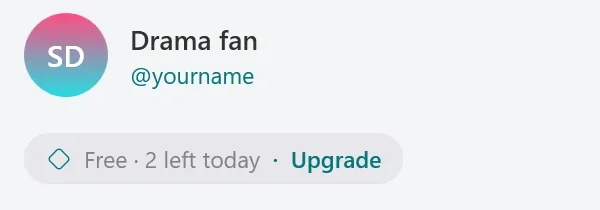
What happens when you reach the limit
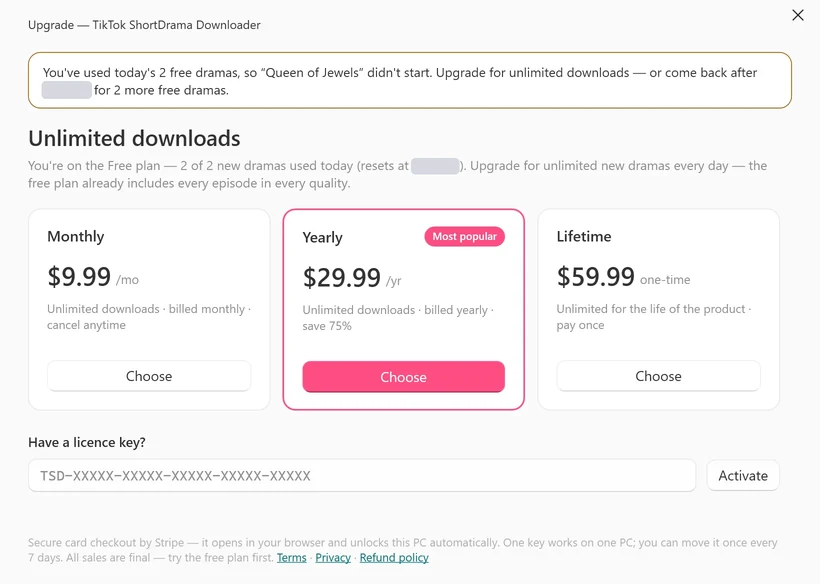
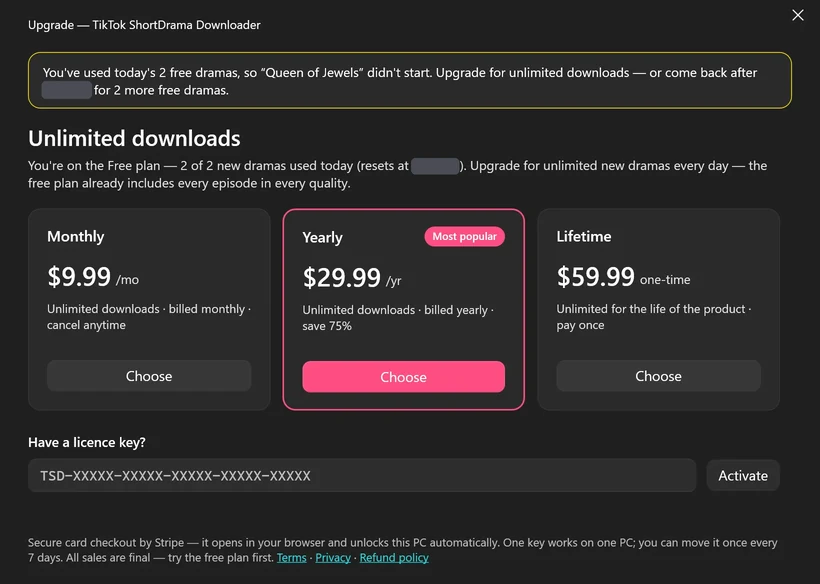
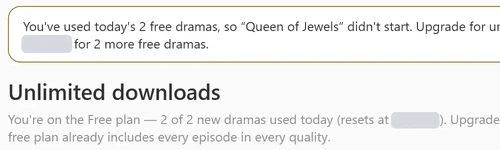
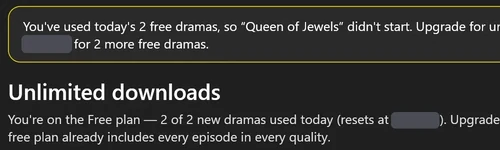
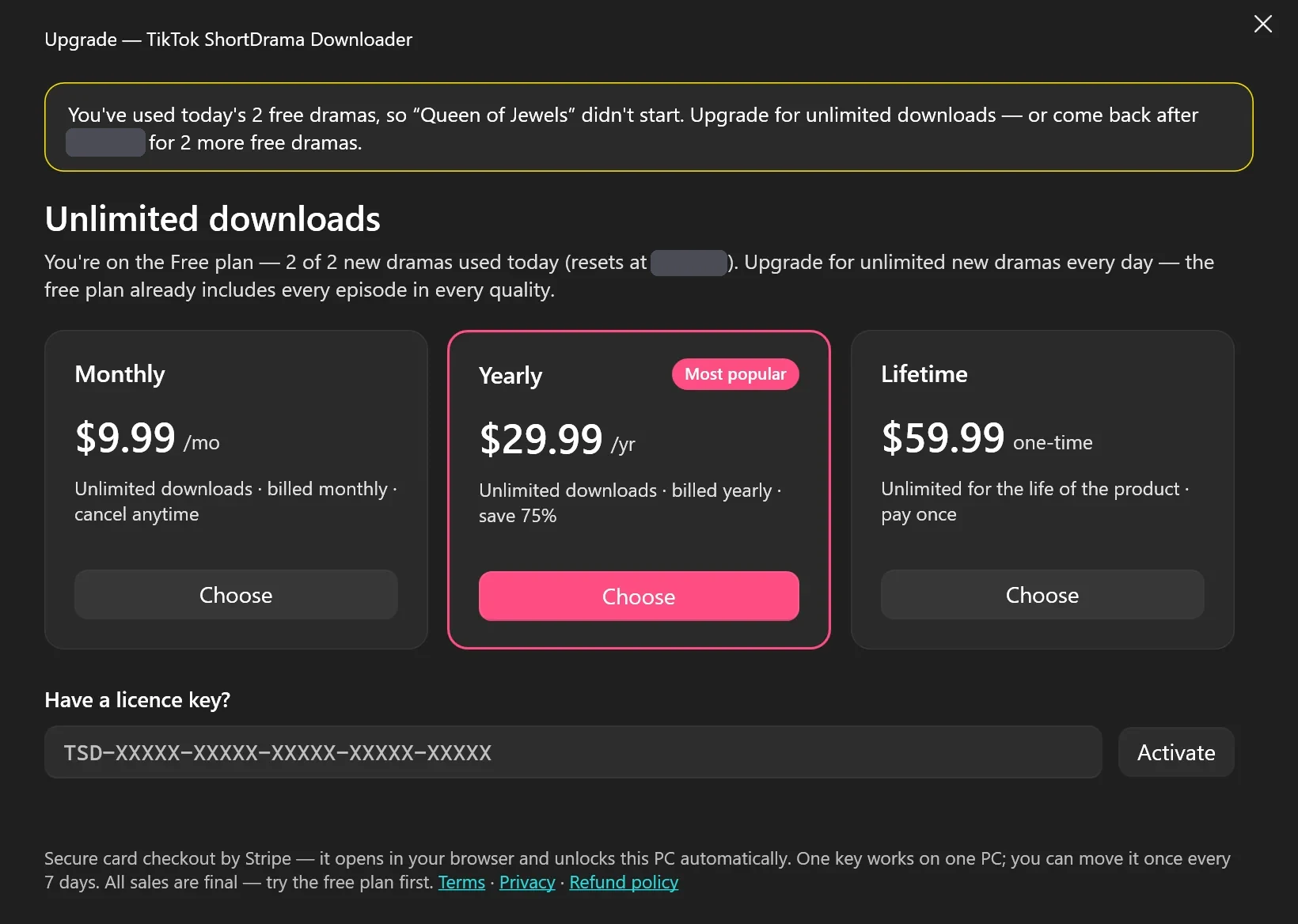
When you try to start another new drama after using all 2 of today’s, the app doesn’t start it. It opens the Upgrade window with a message like You've used today's 2 free dramas, so “(drama title)” didn't start. Upgrade for unlimited downloads — or come back after (your reset time) for 2 more free dramas.
Nothing else stops. Episodes of dramas you already started keep downloading, and you can still update them in the Library.
If you queue several new dramas at once, for example by selecting posters in Browse or pasting several links, the app starts the ones that fit in today’s count and names the ones that didn’t start.
Tested on 30 September 2026
After two new dramas had started, the third one didn’t. The Upgrade window opened with that message, naming the drama and giving the reset time in the PC’s own time zone, and the episode picker read Not added — see the message. Queuing the first drama again that day still worked, and Settings still said 2 of 2 new dramas used today.
 Open the full-size pictureOpen the full-size picture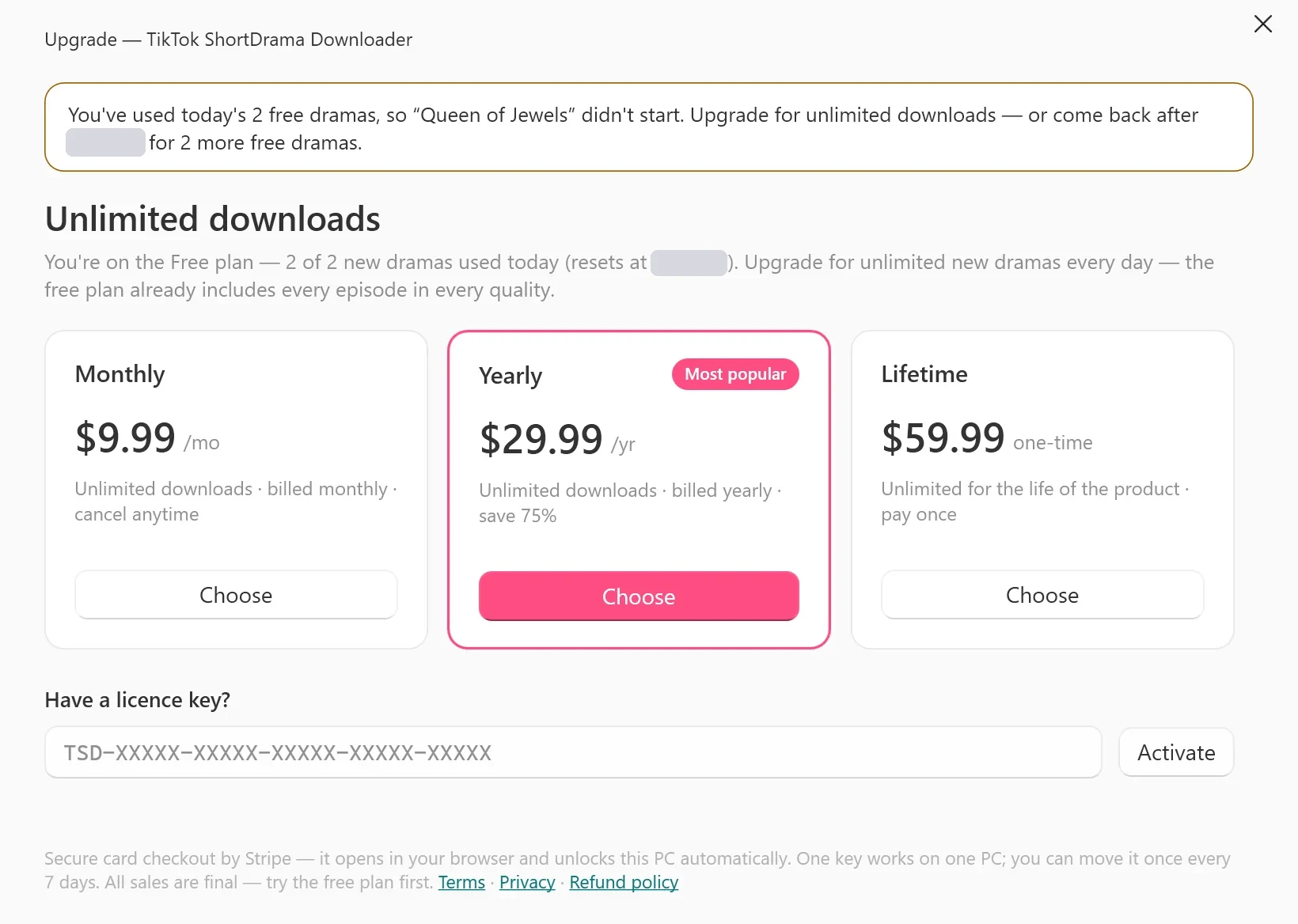
Internet and offline viewing
The Free plan needs an internet connection to start a drama, because the count lives on our server. If the server can’t be reached, the app says: The licence server couldn't be reached, so free downloads can't be counted right now. Check your internet connection and try again.
Watching is different: the MP4 files you saved play offline in your video player, on any plan (HEVC files need a player or Windows extension that supports HEVC). Only downloading needs the connection.
What paid plans add
Every paid plan removes the daily limit on new dramas. Apart from that, you get the same app: the Free plan already includes every available episode in any quality TikTok offers for it. The scope is the same on every plan too: TikTok short dramas and PineDrama links, not ordinary TikTok videos or other short-drama apps.
| Plan | Price | How you pay |
|---|---|---|
| Monthly | US$9.99 | Every month, until you cancel |
| Yearly | US$29.99 | Every year, until you cancel |
| Lifetime | US$59.99 | Once, for the life of the product |
A few rules to know before you buy:
- A paid licence key is active on one PC at a time and can be moved to another PC once every 7 days.
- A paid plan keeps working offline for a while. In our test, with the app cut off from our licence server, Settings said
You're offline — your plan keeps working for up to 72 hours without internet.Downloading always needs internet. - You manage a Monthly or Yearly subscription from Settings, Manage subscription, which emails you a billing link. Buying a different plan doesn’t cancel an existing subscription.
- All sales are final, except where the law requires a refund. The Free plan lets you see how the app works on your PC before you buy.
Troubleshooting
Log in to TikTok first — downloads need your session.
The Free plan doesn’t replace the TikTok sign-in. Sign in to your TikTok account in the app, then try again.
The licence server couldn't be reached…
Check your internet connection, and that no firewall is blocking the app, then try again. Until the server answers, a new drama can’t start on the Free plan.
The plan chip says Free · offline
The app couldn’t check today’s count. Connect to the internet; the chip updates on its own once the app reaches our server.
A drama didn’t start and the Upgrade window opened
You’ve used today’s 2 new dramas. Wait for the reset time shown in the message, or choose a paid plan if you want more.
FAQ
Does the Free plan run out after a few days?
No. It’s a daily allowance, not a countdown to a paid plan, and there’s no card on file. We may change or end the Free plan; see section 9.1 of our Terms.
Can I download a whole series for free?
Yes. Each of your 2 daily dramas includes every available episode, whether the series has 20 episodes or 80. See How to download a TikTok short-drama series for the steps.
Does the Free plan include 1080p?
Yes. Quality isn’t limited on the Free plan: you get up to 1080p wherever TikTok offers it for that drama.
Does the limit apply to each PC separately?
Yes. The count belongs to the PC, not to your TikTok account, so each PC with the app keeps its own daily count.